
Nimblehold
INTRODUCTION
For the past decade, I’ve been creating maps for my D&D games. A few years later, I began illustrating them professionally, and now I’m channeling all that experience into our own mapmaking software: Nimblehold.
The vision behind Nimblehold is simple—make it possible for anyone to create professional-looking maps with minimal effort, while still giving creators the freedom to refine every detail to match their vision. Every tool in Nimblehold is built from years of designing assets and crafting workflows, so the expertise runs quietly in the background while you focus on the fun parts—painting roads, shaping rivers, and bringing worlds to life.


OBJECTS
Objects need to exist both as singular items you can manage on your own and as part of a larger group. In Nimblehold we try to tackle this fact in a variety of ways. On one end, that means easy tools to place them as a single object, grouped objects or even generate them in an area based on object categories and on the other end it means easy access to editing anything you've placed and changing details about it on the fly.

Originally, all our objects were designed with close encounters in mind, but I've always wanted to try tackling region maps for this system just as well. My original region maps were isometric; for Nimblehold to work at its best, that wasn't really an option. So we went back to the drawing board and worked on some top-down assets that would fit right in.

HILLS
Painting hillsides and defining the terrain of your worlds are really important aspects of building maps. We wanted a hill painting tool that is adaptive and easy to play around with. You can paint and cut up a mountain in an instant, moving the individual parts of the mountain around your map once you've split them up.

RIVERS
Creating rivers in your maps is just as easy. They can be painted in and redefined at any moment in your creative process. Changing the edges, the water color, etc. All of this completely animated and interactive. Wherever a river meets a road, a bridge is automatically placed, and when it hits a hillside, you'll get waterfalls cascading down.

ROADS
The current setup for drawing roads is pretty simple. Just draw a line, and the tool will adapt to the terrain. Anything can be adjusted after you've placed your road. At the moment, functions are still pretty limited, but the goal is to make it a lot more versatile.

BUILDING
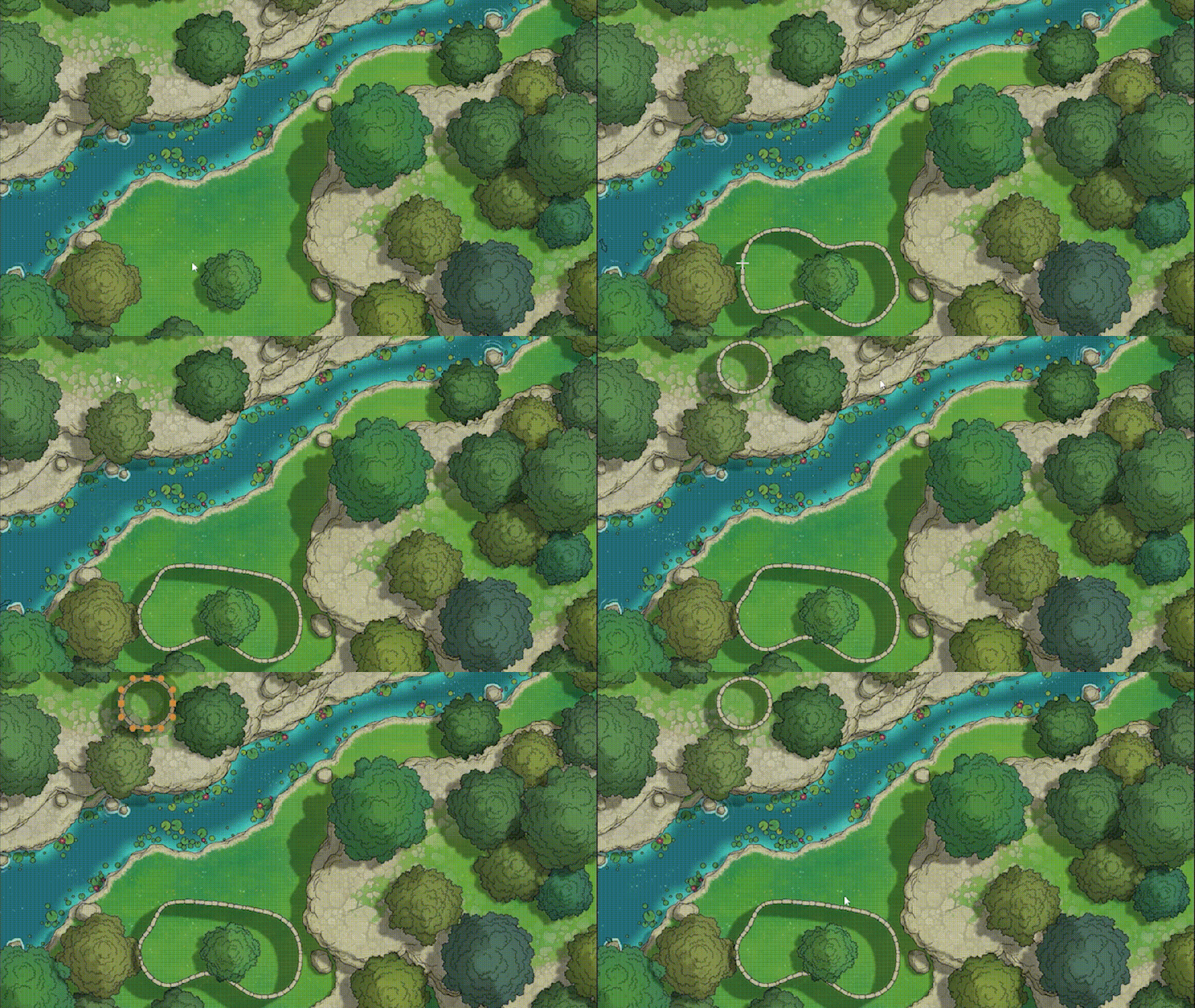
Buildings are a key feature of Nimblehold. At the moment, we've got the basics working here as well; you can draw a wall pretty easily and add height to it. Having minor details like crenellations and double-sided walls are already working. Stay tuned for more!